
Install guide
How to install AiyoPerps on Linux x64
This page covers Linux x64 installation paths for AppImage, npm, and manual package download, depending on how you prefer to deploy desktop software.
Requirements
- Linux x64 desktop environment
- Terminal access
- Permission to change executable file permissions
1Install with AppImage
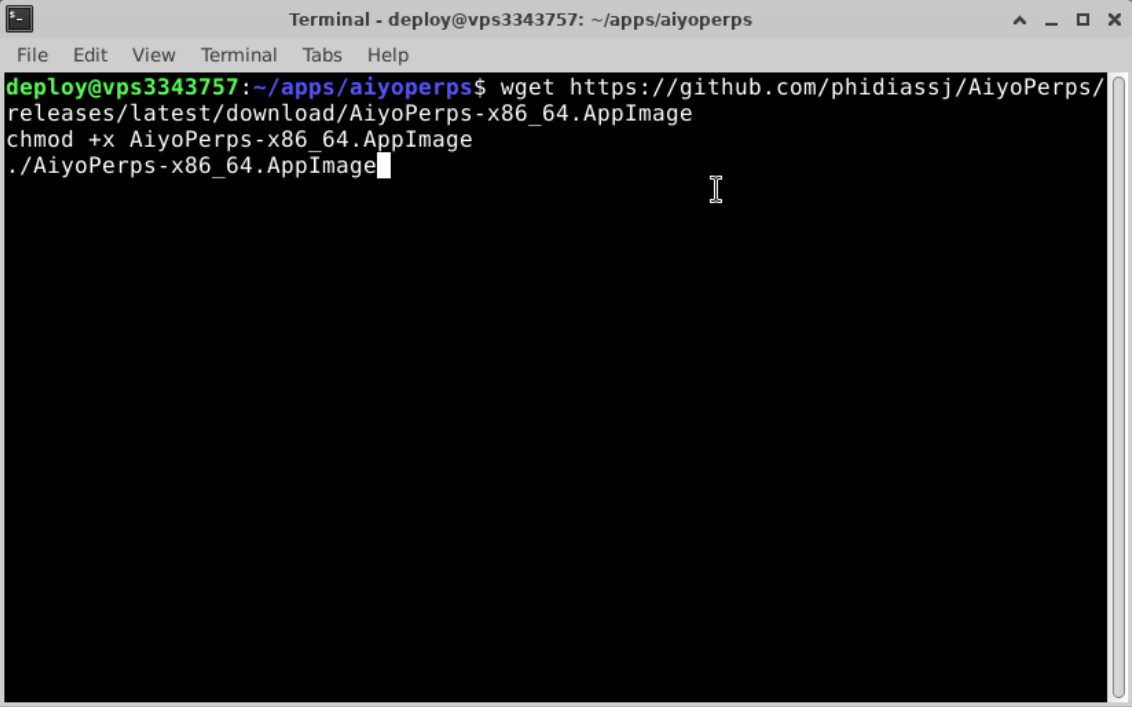
Open a terminal in a location with write and execute permissions, then download, mark the file executable, and launch it.
wget https://github.com/phidiassj/AiyoPerps/releases/latest/download/AiyoPerps-x86_64.AppImagechmod +x AiyoPerps-x86_64.AppImage./AiyoPerps-x86_64.AppImage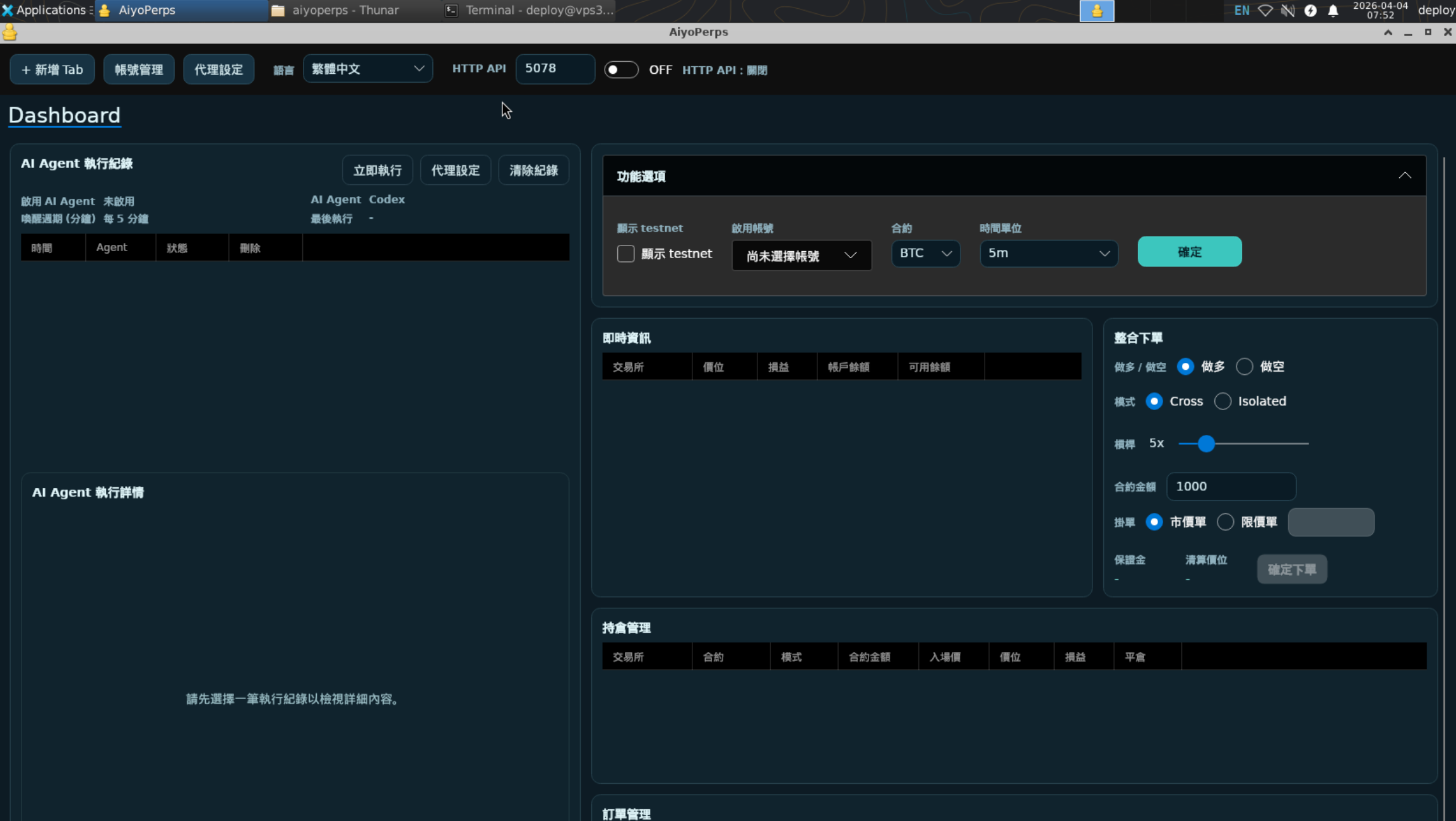
2Install with npm
The npm package may lag slightly behind the latest GitHub release. After installation, the app is placed under the package directory and can be moved to another executable location if needed.
apt update
apt install -y nodejs npm
npm install @phidiassj/aiyoperps-linux64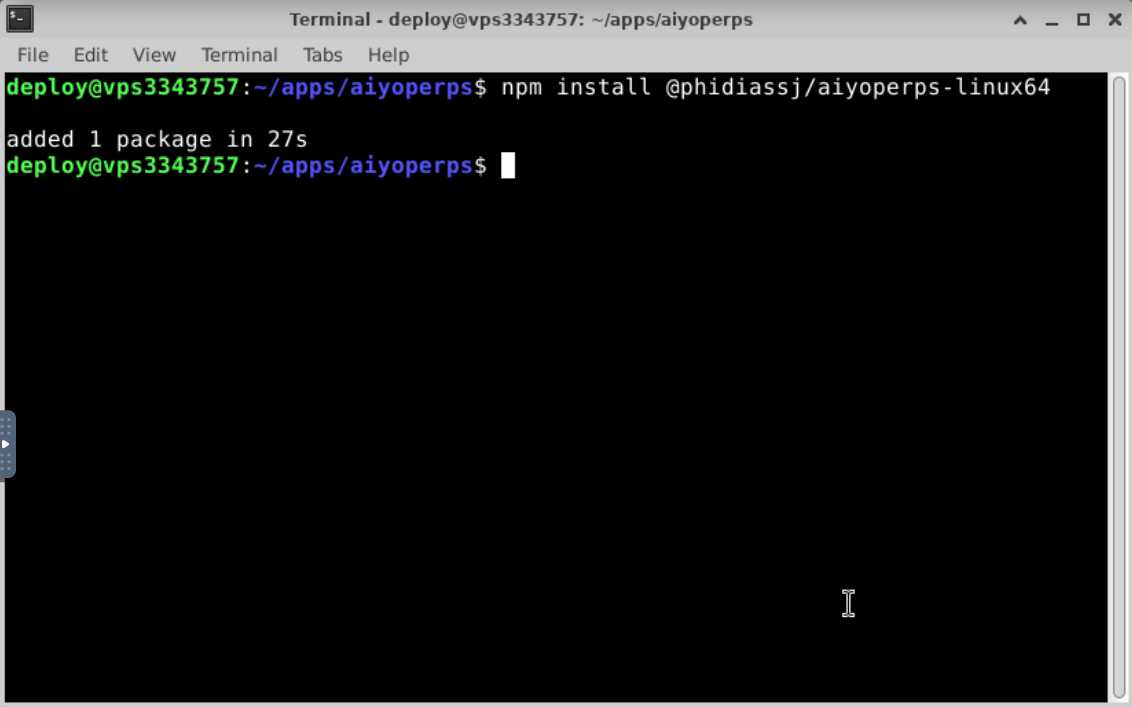
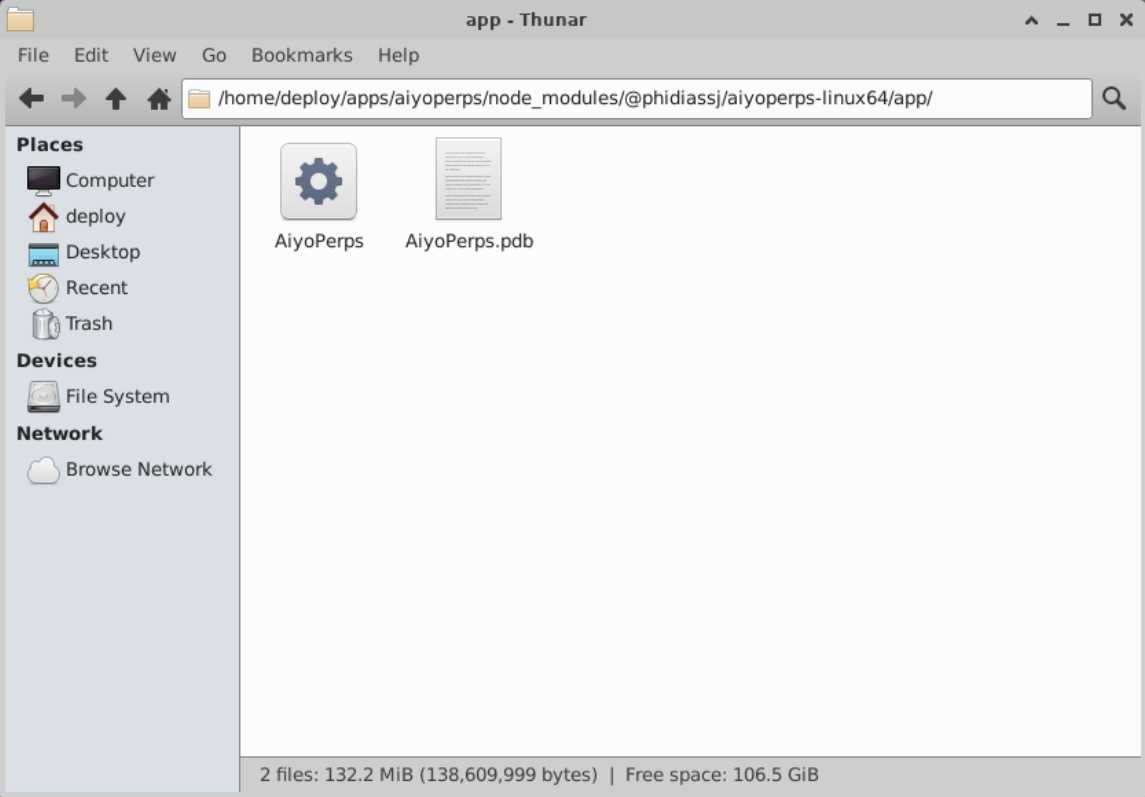
3Install from the manual package
wget https://github.com/phidiassj/AiyoPerps/releases/latest/download/linux-x64.zipunzip linux-x64.zipcd linux-x64chmod +x AiyoPerps./AiyoPerps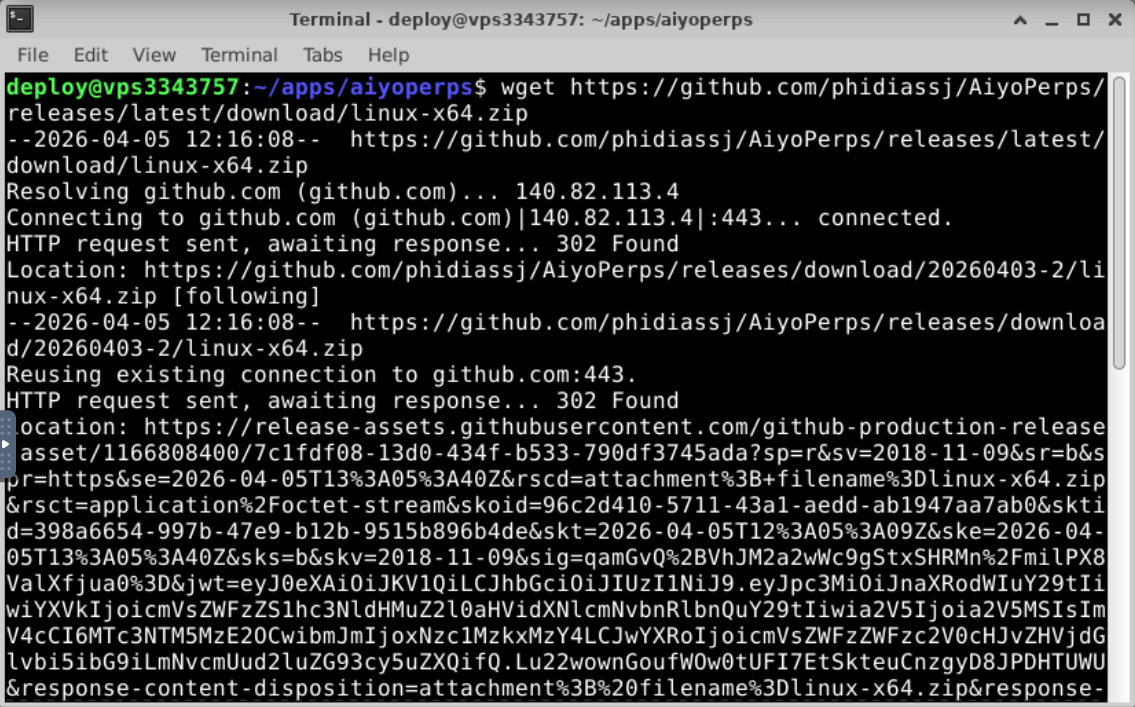
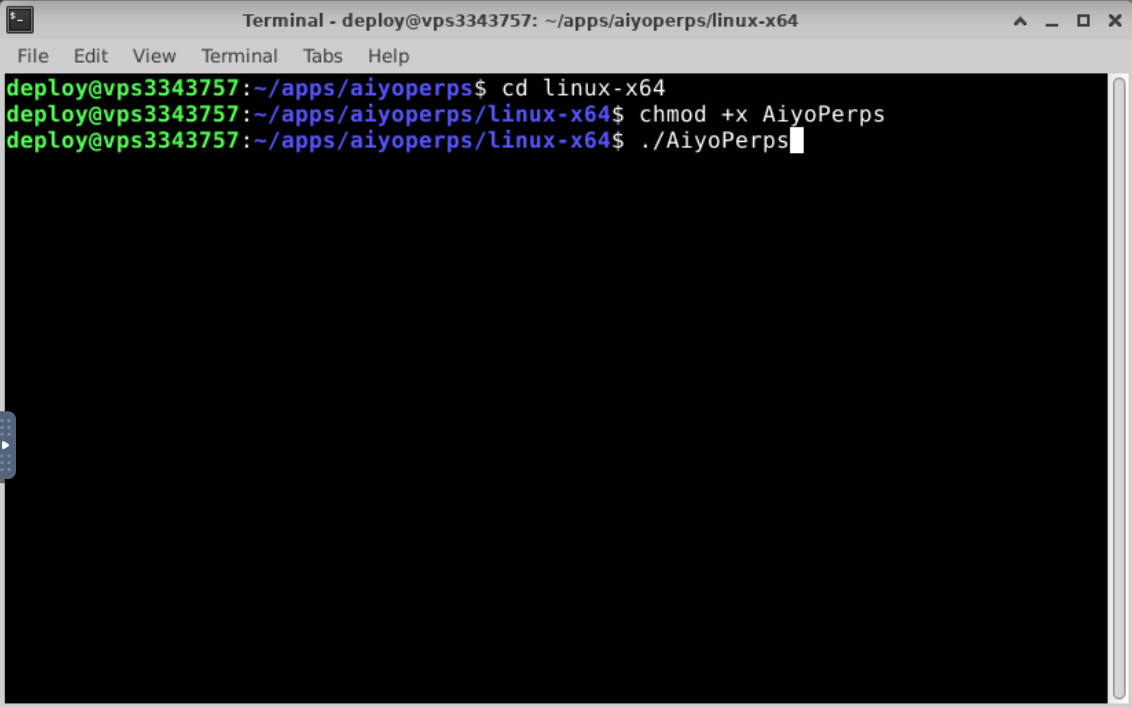
How to confirm the installation worked
- No permission error is shown in the terminal.
- The desktop window opens normally.
- The app does not crash immediately after launch.
Continue to desktop workflows
After installation, the next step is account setup, Dashboard usage, and exchange tabs.
Open desktop workflow guideNeed API or MCP only?
If your goal is an automation node without the desktop UI, move to the Docker headless guide.
View Docker headless guide